


Using the dbicPIM to Coordinate Controls
The dbicPIM object is the repository for the base classes used for the collaboration architecture in multiple of our calendar based controls. Specifically the dbicPIM object contains the objects and collections that manage the Appointments, Contacts, Locations, and Tasks. The dbicDayview, dbicCalendar, and dbicMonth control all contain inherited versions of these objects and are designed to manage their own collections internally.
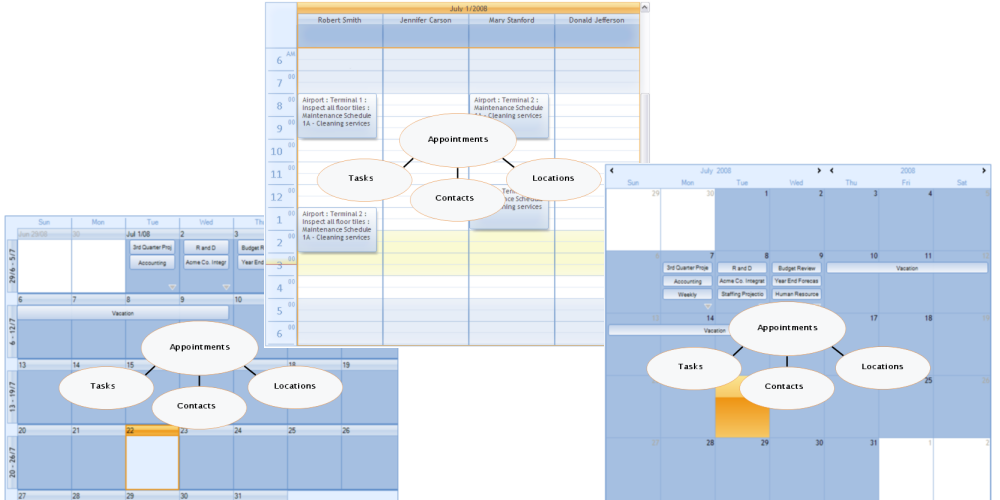
Individual Control Collections
When using more than one instance of a control, or more than one control in a form the developer has the option of centralizing the collections by using the dbicPIM object to host the collections as a common repository. This has the advantage of localizing the collection activity in one object (Adds, Edits, Deletes) and having those changes automatically reflected in all controls that reference the dbicPIM object.
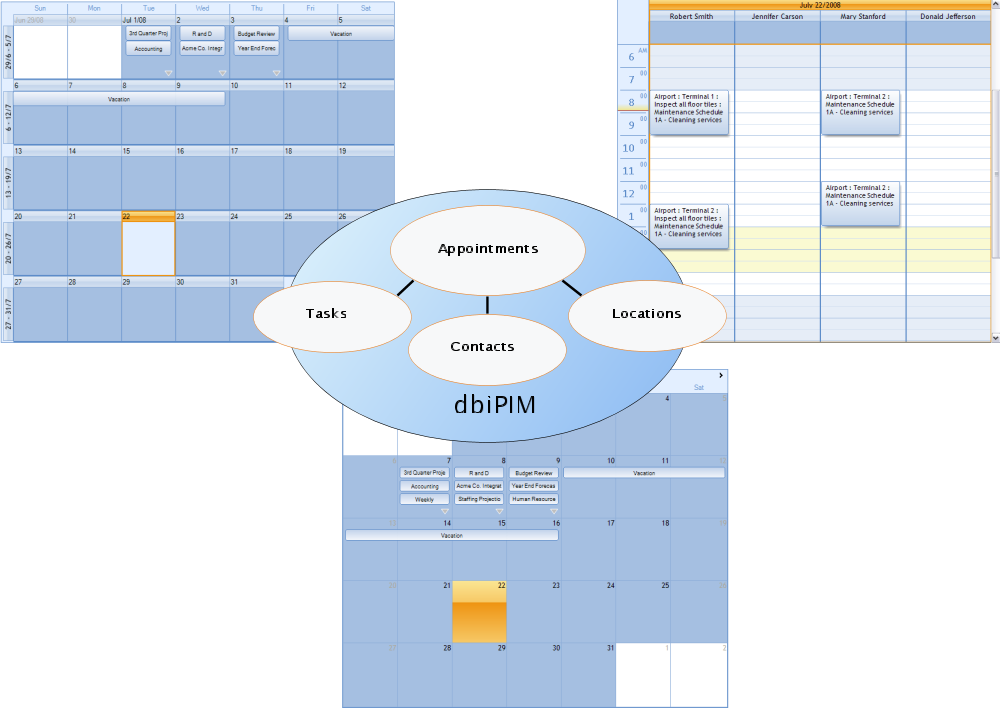
Centralized collections
When using the dbicPIM object to host the collaboration collections, the developer need only add the individual objects (Appointments, Contacts, Locations, and Tasks) to the dbicPIM collections and they are automatically reflected in all controls who have identified the dbicPIM object in their PIM property. The property can be set at design time in the Property Inspector for the control, or at runtime by setting the appropriate control’s PIM property.
As the collections in the dbicPIM object are updated, the updates are automatically relayed to all controls that are connected to it. As changes occur to the collections in the individual controls, those changes are reflected back to the dbicPIM object and ultimately transmitted to all controls that are connected to the dbicPIM object.
To incorporate the dbicPIM object in a form, make sure the dbicPim control is in the Visual Studio Toolbox.
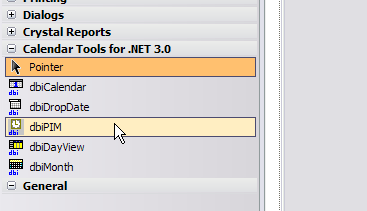
Select dbicPIM from the Toolbox
Click and drag the dbicPIM from the toolbox on to the form. It should be displayed near the bottom of the screen like any other invisible control.
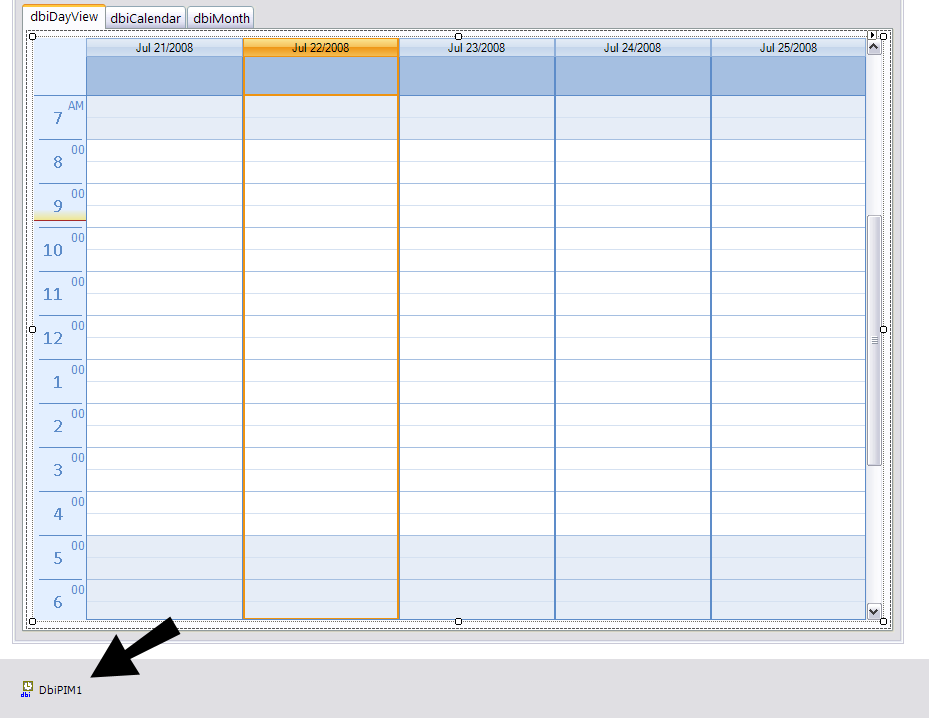
Instance of dbicPIM in a form
For each dbicDayView, dbicMonth, and / or dbicCalendar in the form select the PIM property for the control in the property pages. In a drop down combo selection for that property select the name of the dbicPim object.
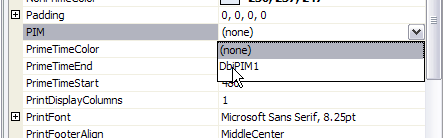
Setting the PIM property
The calendar control is now connected to the dbicPim object. This process is very similar to selecting an Image List control for images.
Now when an add, change or delete occurs to an object in one of the dbicPim control collections, that change will be reflected through all connected controls automatically.
NOTE: If 2 controls are editing the same appointment the first and then final change to the appointment would be reflected in all controls as the appointment was saved in each control.
NOTE: If appointment data exists in the local collection of the control at the point where a dbicPIM object is connected, that data is preserved but it will be ignored. It can be accessed again if the calendar is disconnected from the dbicPim object.
NOTE: If a PIM based calendar is connected to a dbicPim object the appointments can be added to the local collection or to the dbicPIM collection. Ultimately the changes are reflected in the dbicPIM collection and then routed to all other PIM based calendars connected to the dbicPIM object.