


The dbicExplorerBar control is capable of rendering itself similar to a variety of different parent/child node list controls. To assist the developer in achieving a particular stylized look and feel the dbicExplorerBar control has 5 preconfigured styles built in. The ControlStyle property is used to set the control into a preconfigured style. The property is available in design-time through the property inspector or via the Tasks menu in the top right of the control instance. The ControlStyle property can also be set at runtime in code. NOTE: After the ControlStyle property has been set the developer can continue to modify the individual style properties without causing the other style properties to be reset.
The following control styles are preconfigured in the control …
NOTE: The Lists and Items must be added separately as they are not contained in the style definition.
The following table contains hotspots to some of the properties available within the control, clicking on them will take you to the relevant topic in the helpfile.
| Explorer Style Blue | Explorer Style Olive | Tool Bar Style (an Explorer type style) |
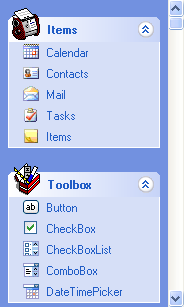 |
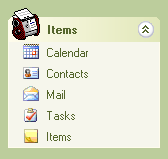 |
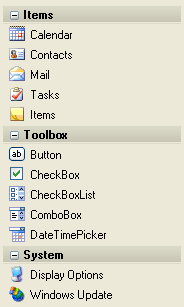 |
| Navigation Style | Side Bar Style | |
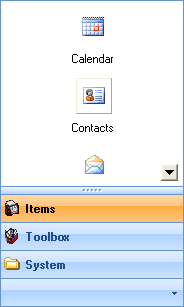 |
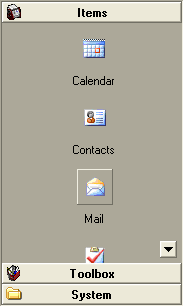 |
|